


June 19, 2026 By Admin
Learn how to live stream your local cricket tournament for free using YouTube Live, Facebook Live, and OBS Studio. Step-by-step setup guide for beginners — no expensive equipment needed!
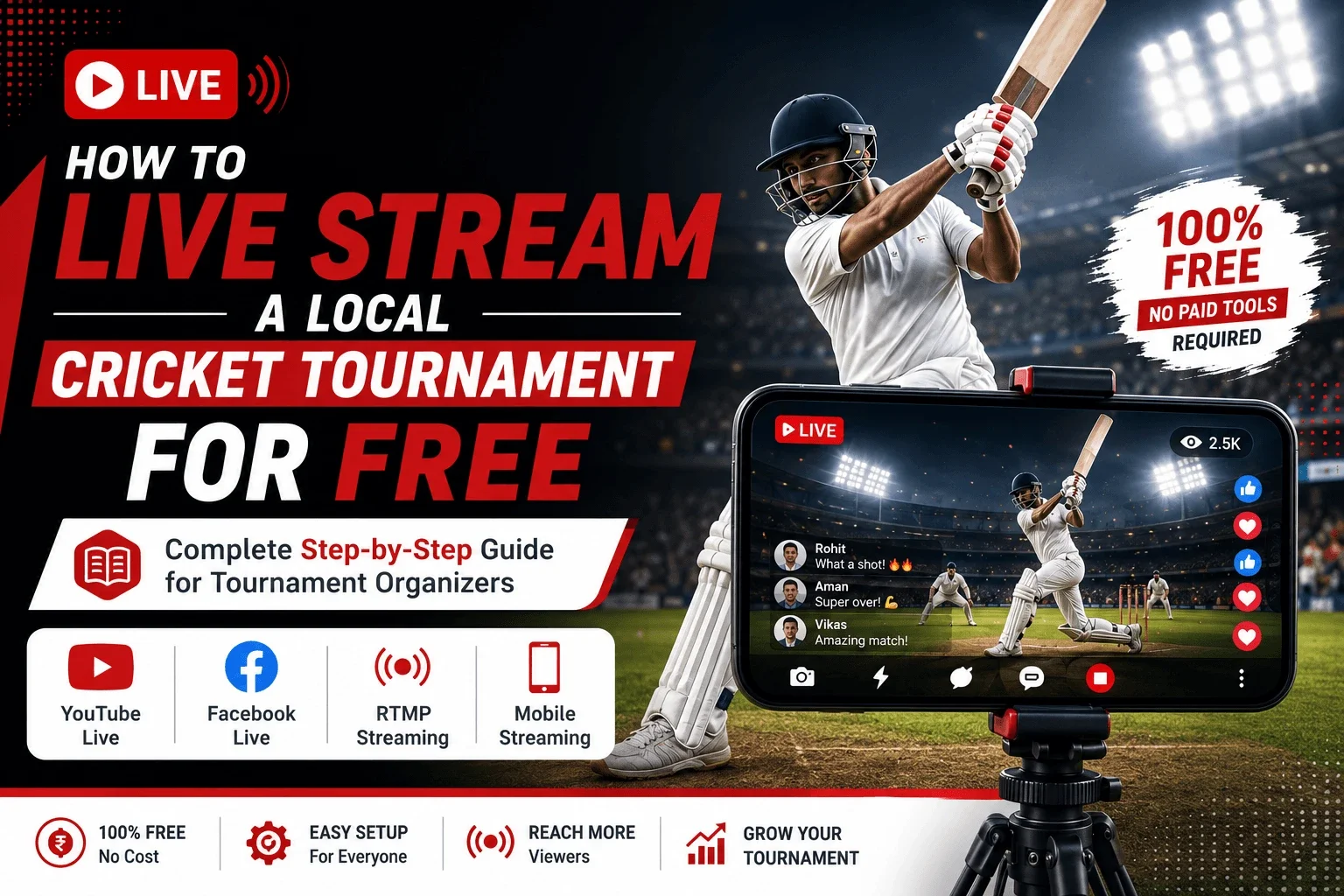
How to Live Stream a Local Cricket Tournament for Free — Complete 2025 Guide
Your local cricket tournament deserves a real audience — not just the 20 people sitting on plastic chairs near the boundary. In 2025, streaming your match live costs ₹0. From a mohalla T20 to a corporate box cricket league, you can go live on YouTube or Facebook within minutes using just a smartphone. This guide walks you through every step — equipment, platforms, software, settings, and a few pro tips that most organizers miss. And once your tournament is streaming, don't forget: a properly run auction is what makes teams worth watching — more on that at the end.
- Why Live Streaming Matters for Local Cricket
- What Equipment Do You Actually Need?
- Best Free Platforms to Live Stream Cricket
- How to Go Live on YouTube — Step by Step
- How to Go Live on Facebook — Step by Step
- Using OBS Studio for PC Streaming (Free)
- Other Free & Paid Streaming Tools Compared
- 10 Pro Tips for Better Cricket Live Streams
- Mobile Streaming Tips for Cricket Grounds
- Run a Pro Auction Alongside Your Tournament
Why Live Streaming Matters for Your Local Cricket Tournament
Live streaming your local tournament does more than just broadcast the game. It creates a digital presence for your event, attracts sponsors, keeps outstation players' families connected, and builds a real community around your league. Think of every stream as a marketing video that runs itself.
- Families of outstation players can watch matches in real time from home
- Sponsors get proof of viewership — crucial for renewals and higher deals
- Players get shareable clips they'll post on WhatsApp and Instagram
- Your tournament looks professional even on a ₹0 production budget
- Recorded VODs (videos on demand) keep the content alive for weeks after the match
"We got two new sponsors after one streamed match. They saw the viewer count and asked us to put their banners in the frame the next game. That was it."
— Organiser, Surat Premier Box Cricket LeagueEven a 50-viewer live stream looks impressive when you screenshot it and share with sponsors. Viewer count doesn't matter as much as the act of streaming professionally.
What Equipment Do You Actually Need?
Good news: you don't need a broadcast van. Here's the honest breakdown — from bare minimum to semi-professional, all doable on a tight budget.
A decent Android or iPhone with a 4G connection. That's literally it to start streaming on YouTube Live or Facebook Live.
- Phone: Any mid-range phone from 2021 onwards (Redmi Note, Samsung M-series, OnePlus Nord)
- Data: 4G SIM with at least 5 Mbps upload speed (use Fast.com to test before streaming)
- Tripod: ₹300–500 flexible mini-tripod from Amazon or local mobile shop
- Battery pack: 10,000 mAh powerbank — streams drain battery fast in outdoor heat
- Estimated cost: ₹300–₹800 (if you already own the phone)
Wind ruins cricket streams more than bad video. A clip-on mic makes a huge difference.
- Clip-on lavalier mic: ₹500–₹1,200 (Boya BY-M1 is the most popular choice)
- Tall tripod or selfie stick with mount: ₹600–₹1,500
- Wi-Fi hotspot (if ground has poor signal): Use a secondary SIM data as hotspot
- Bluetooth earpiece: Lets your commentator monitor the stream audio live
- Estimated cost: ₹1,500–₹3,000 total setup
For district-level or large box cricket tournaments, two cameras + a laptop with OBS gives you a real broadcast feel.
- Laptop: Any Windows/Mac laptop running OBS Studio (free)
- Webcam or DSLR with USB capture card (₹800–₹2,500 for Elgato or local brand)
- Second phone as boundary camera: Use DroidCam app to connect wirelessly to OBS
- Wi-Fi router: If venue has electricity, a pocket router ensures stable upload
- Estimated cost: ₹2,500–₹6,000 for the add-ons (most organizers already own a laptop)
Most successful local streamers in India use: Redmi Note 13 Pro + ₹600 tripod + Boya BY-M1 mic + Jio 5G hotspot. Total investment under ₹1,500. They go live directly from YouTube. Simple, reliable, effective.
Best Free Platforms to Live Stream Cricket in 2025
All four major platforms below are 100% free to use. The right choice depends on where your audience already lives.
| Platform | Best For | Video Quality | Delay | VOD Save | Free? |
|---|---|---|---|---|---|
| YouTube Live | Wider public reach, SEO visibility | Up to 4K | ~15–30 sec | ✓ Auto | ✓ Yes |
| Facebook Live | WhatsApp group + community pages | Up to 1080p | ~5–15 sec | ✓ Auto | ✓ Yes |
| Instagram Live | Reels audience, young viewers | 720p max | ~2–5 sec | ✗ 24hr only | ✓ Yes |
| Streamyard (Free) | Multi-stream to YT + FB together | Up to 1080p | ~15–30 sec | ✓ Yes | Free tier (watermark) |
| Restream.io (Free) | Stream to 30+ platforms at once | Up to 1080p | ~15 sec | ✓ Yes | Free tier (2 platforms) |
| OBS + YouTube | PC-based, multi-camera, overlays | Up to 4K | ~15–30 sec | ✓ Auto | ✓ Fully Free |
Recommendation: Start with YouTube Live if you want the stream to be public and searchable. Use Facebook Live if your players and audience are already in a Facebook group. If you want both at the same time, use Restream.io's free plan — it sends one stream to YouTube and Facebook simultaneously.
How to Go Live on YouTube — Step by Step
YouTube is the best platform for cricket streaming because your match gets indexed by Google. People searching "Surat T20 tournament live" can actually find you. Here's exactly how to set it up.
- Step 1: Open the YouTube app → tap the + (Create) button at the bottom center
- Step 2: Select "Go Live" — if you don't see this, your channel needs 50+ subscribers and phone verification first
- Step 3: Fill in title: "Live: [Team A] vs [Team B] | [Tournament Name] 2025"
- Step 4: Set visibility to Public (or Unlisted if only for teams)
- Step 5: Select the category as Sports — helps with discoverability
- Step 6: Add a short description: teams playing, venue, and your WhatsApp number for queries
- Step 7: Tap "Go Live" — the stream starts immediately. Copy the link and share in your WhatsApp groups
YouTube requires 50 subscribers to go live on mobile. If your channel is new, ask your players and their families to subscribe — you'll hit 50 in one afternoon. Alternatively, use a PC/laptop to go live with zero subscriber requirement via YouTube Studio → Go Live.
How to Go Live on Facebook — Step by Step
Facebook Live works best when you already have a tournament group or page. Your notification goes directly to people who follow your page — unlike YouTube, it doesn't need anyone to search for you.
- Step 1: Create a free Facebook Page for your tournament if you don't have one (e.g., "Surat Star Cricket League Official")
- Step 2: Open the Facebook app → go to your Page → tap "Live" in the post creation bar
- Step 3: Add a compelling title — include team names and match number
- Step 4: Facebook lets you schedule a live up to 7 days in advance — use this to build anticipation and get reminders sent to followers
- Step 5: Tap "Start Live Video"
- Step 6: Share the stream link to your WhatsApp group, and pin the post on the page
"Schedule your Facebook Live 24 hours before the match. Facebook sends a notification to every follower of your page automatically. That's free promotion you can't ignore."
— Social Media Tip for Local Cricket OrganizersUsing OBS Studio for PC Streaming — 100% Free
OBS (Open Broadcaster Software) is the gold standard for streaming — used by professional esports tournaments, news channels, and sports broadcasters worldwide. It's completely free, open source, and runs on Windows, Mac, and Linux.
Download & Basic Setup
- Download from obsproject.com — 100% free, no account needed
- Install and open OBS → run the Auto-Configuration Wizard on first launch
- Select "Optimize for Streaming" → choose YouTube or Twitch as platform
- OBS will test your internet speed and set the best bitrate automatically
Connecting Your Camera to OBS
- Install DroidCam (free) on Android — connects wirelessly to OBS via IP address
- Install EpocCam on iPhone — turns your iPhone camera into a HD webcam
- In OBS, go to Sources → Add → Video Capture Device and select the virtual webcam
- This lets you use your phone's better camera lens from OBS on a laptop
Adding Score Overlays (Free Method)
- Use Canva (free) to design a score overlay PNG with a transparent background
- In OBS, add it as an Image Source and position it at the bottom of the screen
- Update the score in real time by swapping overlay images or using the Browser Source with a live Google Sheet
- Tools like Scoreboard (scoreboard.nz) offer free cricket scoreboard overlays for OBS
Streaming from OBS to YouTube
- Go to OBS → Settings → Stream
- Service: YouTube - RTMPS
- Click "Connect Account" and log in with your Google account
- Create a stream event directly from OBS → click Start Streaming
- Your stream appears on your YouTube channel automatically
Free & Paid Streaming Tools Compared
Beyond OBS, here are other tools worth knowing — especially if you want overlays, multi-streaming, or browser-based setups without installing software.
| Tool | Type | Price | Best Feature | Ideal For |
|---|---|---|---|---|
| OBS Studio | Desktop App | Free | Multi-camera, full control | Organisers with a laptop |
| Streamyard | Browser-based | Free (watermark) / ₹1,800/mo | Multi-stream + guest speakers | Commentary from remote guests |
| Restream.io | Browser-based | Free (2 platforms) / ₹1,400/mo | Stream to 30+ channels at once | Maximum reach tournaments |
| Prism Live Studio | Mobile App | Free | Mobile multi-stream + overlays | Phone-only streaming upgrade |
| Larix Broadcaster | Mobile App | Free | Low latency, RTMP support | Advanced mobile RTMP streams |
| Streamlabs | Desktop App | Free / ₹1,200/mo | Built-in overlays, alerts | Beginners who want OBS + themes |
| Vmix (Free Trial) | Desktop App | Free Trial / ₹3,500+ | Professional multi-camera switching | District-level tournaments |
Start with YouTube Live on your phone or OBS Studio on a laptop. Once you consistently hit 100+ viewers per match, upgrade to Streamyard or Restream to run commentary from home while streaming from the ground.
10 Pro Tips for a Better Cricket Live Stream
Go to Fast.com or Speedtest.net at the ground before you start. You need at least 5 Mbps upload for stable 720p streaming. Below 3 Mbps? Drop to 480p in your settings. A buffering stream is worse than no stream.
Always stream in landscape (horizontal) mode. Enable rotation lock on your phone so it doesn't rotate mid-over. Nothing looks worse than a sideways stream when a wicket falls.
The best angle is square on the pitch at boundary level height — the same angle you see on TV. Standing behind the wicket or from stands gives a poor view. If you have one phone, position it mid-wicket or point's side at boundary level.
Dead audio during a boundary is painful to watch. Ask a player who's not batting to commentate. Use a clip-on mic for them, position them near the camera. Even basic Hindi/Gujarati commentary makes the stream 10x more watchable.
Don't share the link after the stream starts. Schedule it on YouTube/Facebook, get the link, and share it in WhatsApp groups 30 minutes early. Viewers join during toss when it's calm — not mid-over when you're rushing.
A 90-minute stream can drain 70–80% of your battery, especially in direct sunlight where the phone gets hot. A 10,000 mAh powerbank is non-negotiable. Cable stays plugged in throughout.
If your primary SIM drops during a crucial over, you need backup. Keep a second phone with a different carrier's SIM (e.g., primary on Jio, backup on Airtel) ready to switch hotspots. Switching takes 30 seconds and saves the stream.
Viewers who just joined don't know the score. Train your commentator to say the score every 4–5 balls: "55 for 2 after 9 overs, needing 63 more in 51 balls." This keeps new viewers engaged immediately.
In YouTube Studio settings, enable "Automatically publish live replays". This converts your live stream into a watchable VOD immediately after it ends. Players share the full match video for days after the tournament.
Example title: "LIVE: Team A vs Team B | Powered by [Sponsor Name] | Surat Premier League Final". Sponsors see their name in every notification, every share, and every search result. This is worth money to them — and helps you get renewals.
Mobile Streaming Tips for Cricket Grounds in India
Indian grounds come with specific challenges — harsh sunlight, variable 4G coverage, loud crowd noise. Here's how to handle each.
Dealing with Bright Sunlight
- Enable "HDR Video" in your phone camera settings if available — it handles bright sky + dark pitch better
- Shoot with the sun behind you, not in front — batsman should be lit by sun, not silhouetted
- Use a lens hood (₹150 clip-on) to avoid lens flare
Reducing Wind Noise on Audio
- Use a dead cat windscreen (furry mic cover) on your clip-on mic — available on Amazon for ₹200
- Position the mic inside your collar or slightly covered — not fully exposed to open wind
- In YouTube/OBS settings, enable "Noise Suppression" if available
Managing 4G Signal at Remote Grounds
- Install Network Signal Guru (Android) to find the strongest band — switch to Band 40 or Band 3 for better Jio 4G
- Use a 4G signal booster antenna (clip-on) for phones — ₹500 on Amazon, adds 30–40% better reception in weak zones
- Stream at 480p when signal is weak — a smooth low-quality stream beats a buffering HD one
- YouTube YouTube app → built-in Live feature, easiest setup
- Prism Live Free multi-stream + scoreboard overlays
- Larix For advanced RTMP streaming to custom servers
- Streamlabs Mobile Great for alerts + graphics, free plan available
Run a Professional Auction Alongside Your Tournament
Streaming your matches is one side of a professional tournament. The other side — the part that decides which players end up on which team — is the player auction. And if you're still running auctions on paper chits or a shared Excel sheet, you're losing time, creating disputes, and missing the drama that makes cricket auctions unforgettable.
- Run IPL-style auctions for your local tournament — complete with bidding timers, budget tracking, and real-time team formation
- Share a live auction link with all team owners — they bid from their phone, anywhere in India
- Automatic budget deduction after every bid — no calculation errors, no disputes
- Unsold player rounds, RTM (Right to Match), and base price setting — all built in
- Export team sheets after auction — ready to share with players and sponsors
- Works for box cricket, fantasy leagues, district cricket, and corporate tournaments
Just like you're using free tools (YouTube, OBS) to stream like a broadcaster, CricAuction gives you auction tools that used to cost lakhs — now free for local organizers. Run your auction the night before the tournament, stream it live, and let the drama unfold.
Live streaming your local cricket tournament in 2025 is easier than ever, completely free, and more impactful than most organizers realize. Here's what to remember:
- Start simple — a phone + tripod + 4G is enough to go live on YouTube today
- Test your internet speed before every match (minimum 5 Mbps upload)
- Use OBS Studio on a laptop for multi-camera setups — it's free and powerful
- Facebook Live is best for communities; YouTube Live is best for discoverability
- Add even a basic commentator — dead audio kills viewership
- Share the stream link 30 minutes before toss, not after it starts
- Enable auto-save so your VOD lives on after the match ends
- Pair your stream with a proper CricAuction player auction — professional front to back