


July 02, 2026 By Admin
Player absent on auction day? Learn the rules, backup strategies, and smart fixes to keep your fantasy team draft on track without a hitch.
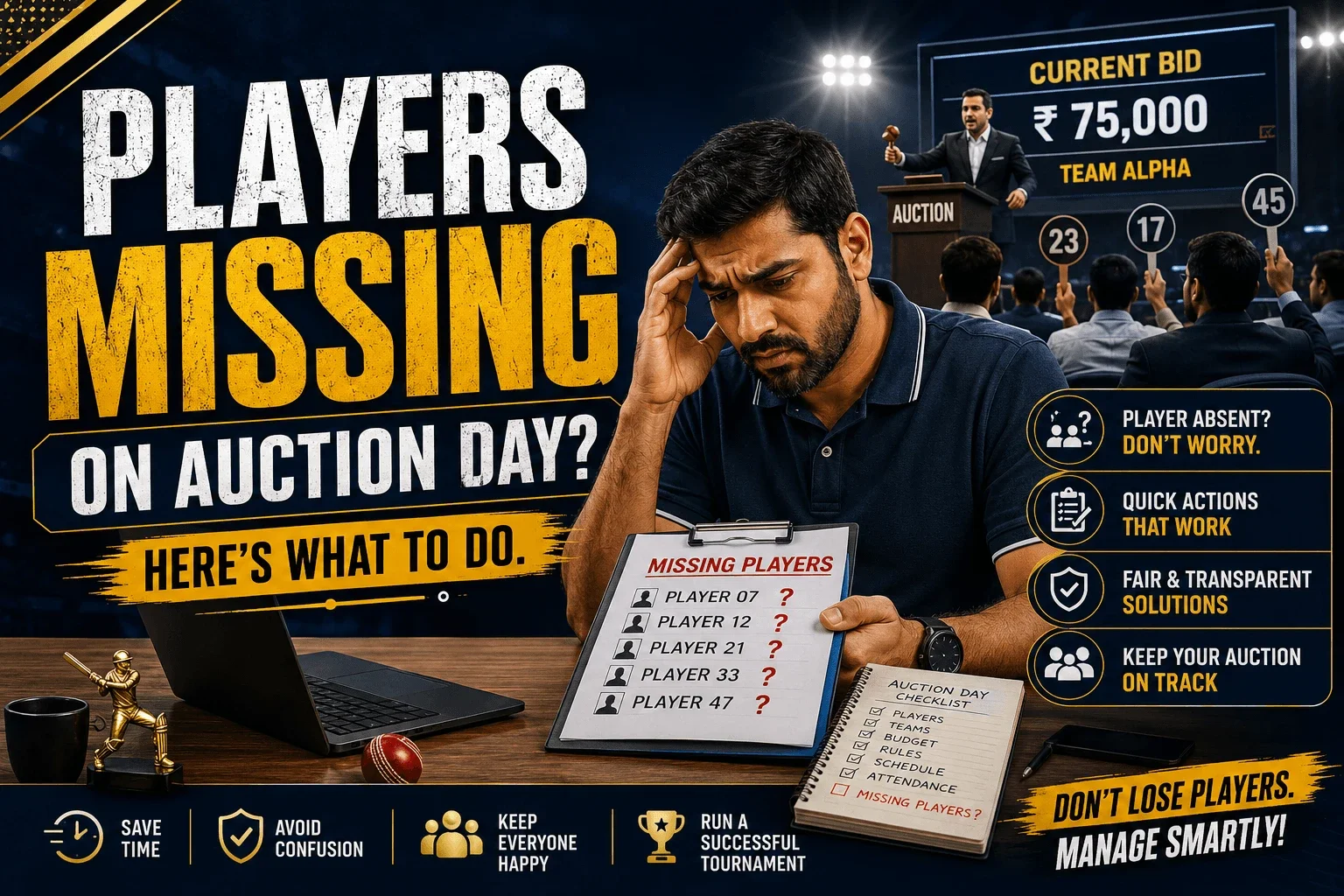
Players Missing on Auction Day? Here's What to Do
Every organiser's nightmare: bidding is heating up, owners are ready, and suddenly a player is missing on auction day. Whether it's a no-show, a poor internet connection, or a last-minute withdrawal, a missing player can stall your entire cricket auction if you're not prepared. This guide gives you a clear, practical playbook — from instant fixes during a live auction to the rules and tools that stop it from becoming a problem in the first place.
In This Article
Why Players Go Missing on Auction Day
Before fixing the problem, it helps to know why it happens. In most local leagues and club tournaments, a missing player on auction day isn't usually about disinterest — it's almost always logistics.
Common Reasons Players Don't Show Up
- Work, exams, or travel clashing with the auction schedule
- No clear communication about the exact auction time slot
- Player registered but never confirmed final availability
- Weak network signal during an online or hybrid auction
- Player quietly joined another team or league
- Confusion over base price category or eligibility
The Real Impact of a No-Show on Your Auction
A missing player doesn't just affect that one slot — it can throw off your entire player auction cricket schedule. Owners lose confidence, bidding momentum drops, and the auctioneer is forced to make a judgement call in front of everyone, live.
- Bidding pace slows down as owners get distracted or restless
- Team budgets get planned around a player who may not even play the season
- Disputes arise later if the absence and its resolution weren't recorded properly
- Trust in the cricket auction software or process takes a hit if there's no fallback plan
Step-by-Step: What to Do When a Player Is Missing
Here's exactly how to handle it in the moment, without derailing the rest of your online cricket auction.
1. Skip, Don't Stop
Move the missing player to the end of the current auction round instead of pausing everything. Keep bidding moving for players who are confirmed present — momentum matters more than sequence.
2. Try a Quick Confirmation Call
Have a designated coordinator (not the auctioneer) call or WhatsApp the player while the auction continues. Give a two-minute window — anything longer disrupts flow.
3. Move Unconfirmed Players to a Re-Auction Pool
If a player can't be reached, place them in a re-auction list to be revisited at the end of the session, after every available player has gone through bidding once.
4. Mark Status Clearly for Every Owner to See
Use a visible status — "Pending," "Unsold," or "Held" — so team owners aren't left guessing. This single step prevents most post-auction disputes.
5. Finalise a Written Backup Rule
Decide beforehand what happens if a player never confirms — automatic unsold status, base-price hold for the next window, or replacement from a standby list.
Quick Takeaway
Never let one missing player pause your whole auction. Skip, track, and revisit — with rules already agreed before bidding starts, not during it.
Setting Auction Day Rules Before It Happens
The best fix for a missing player is prevention. Set these ground rules with your cricket league organiser team and share them with every registered player before auction day:
- Require players to confirm availability 24 hours before the auction slot
- Share an exact time window for each category (not just a full-day range)
- Publish a clear no-show policy — e.g. auto-unsold after 2 missed calls
- Keep a standby list of 5–10 backup players for popular categories
- Assign one person purely for player communication, separate from the auctioneer
You Might Also Like
How Digital Auction Platforms Solve This Problem
A cricket auction app like CricAuction removes most of the guesswork. Player attendance, base price, and category are all locked into the system beforehand, so there's no confusion when it's their turn on the bidding screen.
- Auto-flag players who haven't confirmed attendance before the auction starts
- One-tap "skip and revisit" so bidding never has to stop
- Live status visible to every team owner — no confusion, no disputes
- Standby player pool built into the same auction management cricket dashboard
- Auction history saved automatically for post-event review
Manual vs Digital: Handling No-Shows
| Situation | Manual / Offline Auction | Digital Auction (CricAuction) |
|---|---|---|
| Player doesn't respond | Auctioneer pauses, whole room waits | Auto-skipped, bidding continues instantly |
| Tracking pending players | Handwritten notes, easy to lose track | Live "Pending" tag visible to all owners |
| Re-auction at the end | Manually re-called, often missed | Automatically queued for final round |
| Dispute after auction | Common, based on memory | Rare — full digital log available |
More Resources
- Why Team Owners Prefer Digital Auctions in 2026 — Fast & Secure
- Cricket Tournament Promotion Ideas That Actually Work — 2026 Guide
- How Small Leagues Can Look Like Professional Tournaments — 2026 Guide
- Why Every Cricket Tournament Needs a Digital Auction System in 2026
- Manage 100+ Players in a Cricket Auction — Complete Guide
Conclusion: Don't Let One Missing Player Stall Your Auction
A missing player on auction day is common — but it should never bring your IPL-style auction to a halt. With a clear skip-and-revisit process, upfront rules, and the right cricket auction software, you keep bidding smooth, owners confident, and your tournament running like a professional event.
- Skip missing players, don't pause the whole auction
- Set attendance and no-show rules before auction day, not during
- Keep a standby player pool ready for every category
- Use a digital platform to auto-track and auto-revisit pending players